
What is Cursor
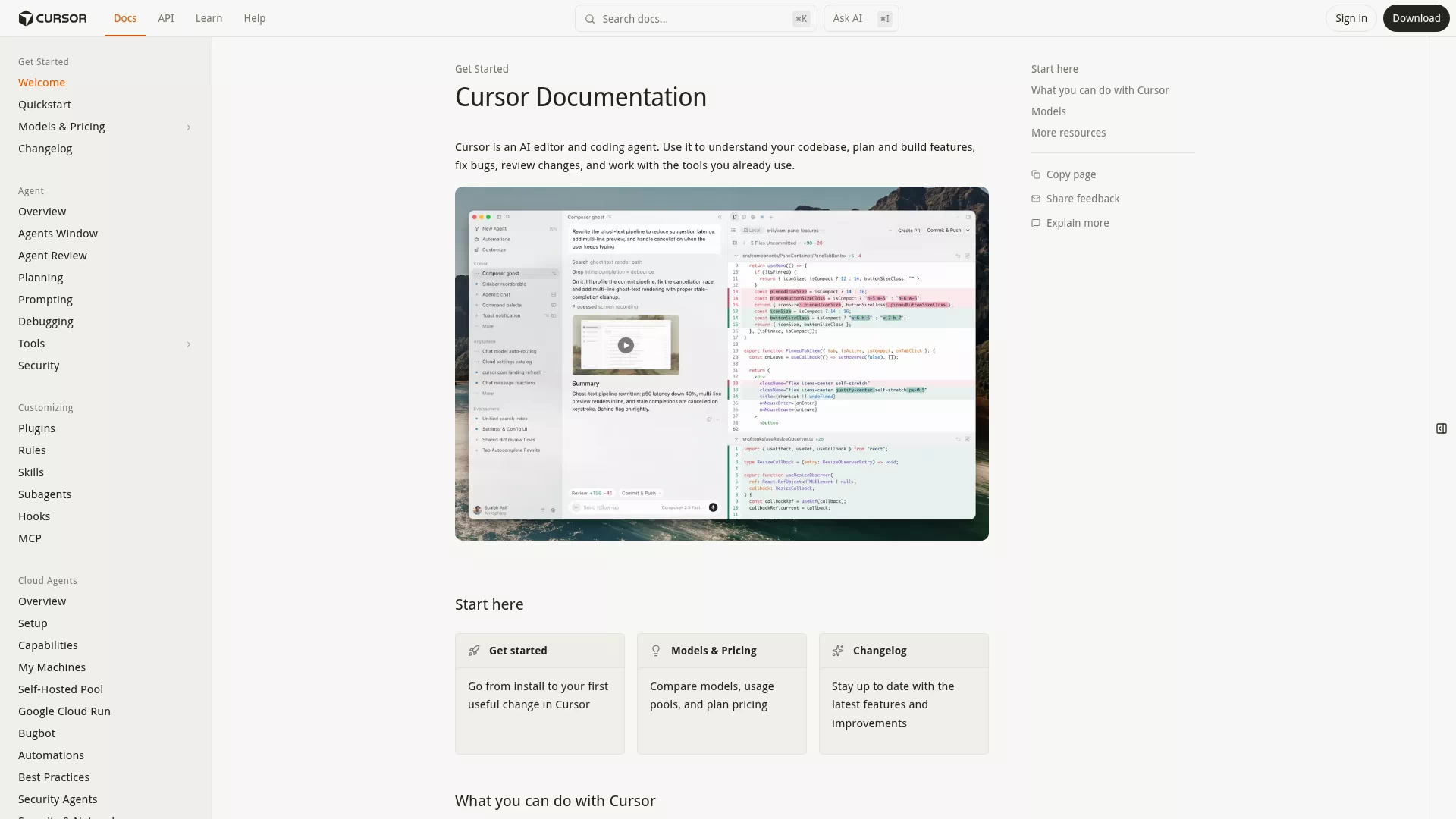
Cursor is an AI-powered IDE built on VS Code. In simple terms, it embeds ChatGPT-level AI capabilities directly into the code editor — you describe what code you want in natural language, and it writes it for you.
The biggest difference from GitHub Copilot: Copilot only completes the current line or function, while Cursor understands the entire project, makes cross-file changes, and can execute terminal commands.
Installation
- Go to cursor.com and download the installer for your system (macOS / Windows / Linux)
- Open after installation and register with email
- Free tier: 50 Composer calls/day and 2000 Tab completions/day
- Pro: $20/month with unlimited Tab completions and 500 fast Composer calls
If you're coming from VS Code, Cursor can import your VS Code config (extensions, keybindings, themes) in one click.
Core Features
Tab Completion
As you type code, Cursor predicts what you'll write next in real-time. Press Tab to accept. Similar to GitHub Copilot but faster. Works out of the box with no configuration.
Cmd+K (Inline Editing)
Select a block of code, press Cmd+K (Ctrl+K on Windows), and describe how you want to modify it in the input box.
For example, select a function and type "add error handling and logging to this function" — it rewrites the code in place.
Composer (Multi-file Editing)
Cursor's most powerful feature. Press Cmd+I to open Composer, describe the feature you want in natural language, and it will:
- Analyze your project structure
- Generate a list of files to modify
- Generate code for each file
- Let you review and accept/reject each change
For example, input "add a user registration endpoint to this Express project, use PostgreSQL for storage, add password hashing" and it automatically creates route files, controllers, database migrations, and models.
Agent Mode
In Composer, switch to Agent mode. Cursor doesn't just write code — it can also:
- Execute terminal commands (npm install, git commit, etc.)
- Read project files for context
- Search the codebase for relevant code
- Auto-fix compilation errors
This is the closest experience to "AI writing a project by itself." But review every step it takes.
Chat (Q&A)
Press Cmd+L to open the Chat panel for any programming question. It automatically references open files as context. Good for "what does this code mean" or "how do I fix this error."
Typical Development Workflow
- Describe requirements: Use natural language in Composer
- Review code: Cursor lists files to modify, check each one
- Accept changes: Accept what looks good, reject and clarify what doesn't
- Test: Let Agent run tests for you
- Fix bugs: Feed error messages back to Composer
Your main job shifts from "writing code" to "reviewing AI-written code" and "describing requirements in natural language."
Model Selection
Cursor supports multiple underlying models:
- Composer 2.5: Cursor's own model, strongest overall, best for complex tasks
- Composer 2: Previous generation, faster, good for simple tasks
- Claude Opus 4.7: Via API, strongest reasoning
- GPT-5.5: Via API, most balanced
Use Composer 2.5 by default. Switch to Claude Opus for complex problems it can't handle.
Tips
1. Provide enough context Composer's effectiveness depends heavily on context. Create a .cursorrules file specifying your tech stack, coding conventions, and architecture patterns.
2. Break large tasks into steps Don't ask Composer to "refactor the entire project" at once. Break it into small steps — easier to review.
3. Use @ references In Composer, @ references specific files, folders, or docs. E.g., @src/api/ limits operations to the api directory.
4. Don't blindly accept AI-written code isn't always correct. Always review line by line for security (auth, encryption), data operations (database), and third-party API calls.
Comparison with Other AI Coding Tools
| Tool | Type | Price | Strength |
|---|---|---|---|
| Cursor | IDE | $20/mo | Multi-file editing, Agent mode |
| GitHub Copilot | Extension | $10/mo | Best completion, widest ecosystem |
| Windsurf | IDE | $15/mo | Streaming editing, smooth UX |
| Trae | IDE | Free | From ByteDance, Chinese-friendly |
| Cline | Extension | Free | Open-source, customizable models |
Cursor's core advantage is Composer's multi-file editing and Agent mode. If your project requires cross-file changes, Cursor is currently the best choice.