Unlimited OCR by Baidu: One-Shot Long-Document OCR
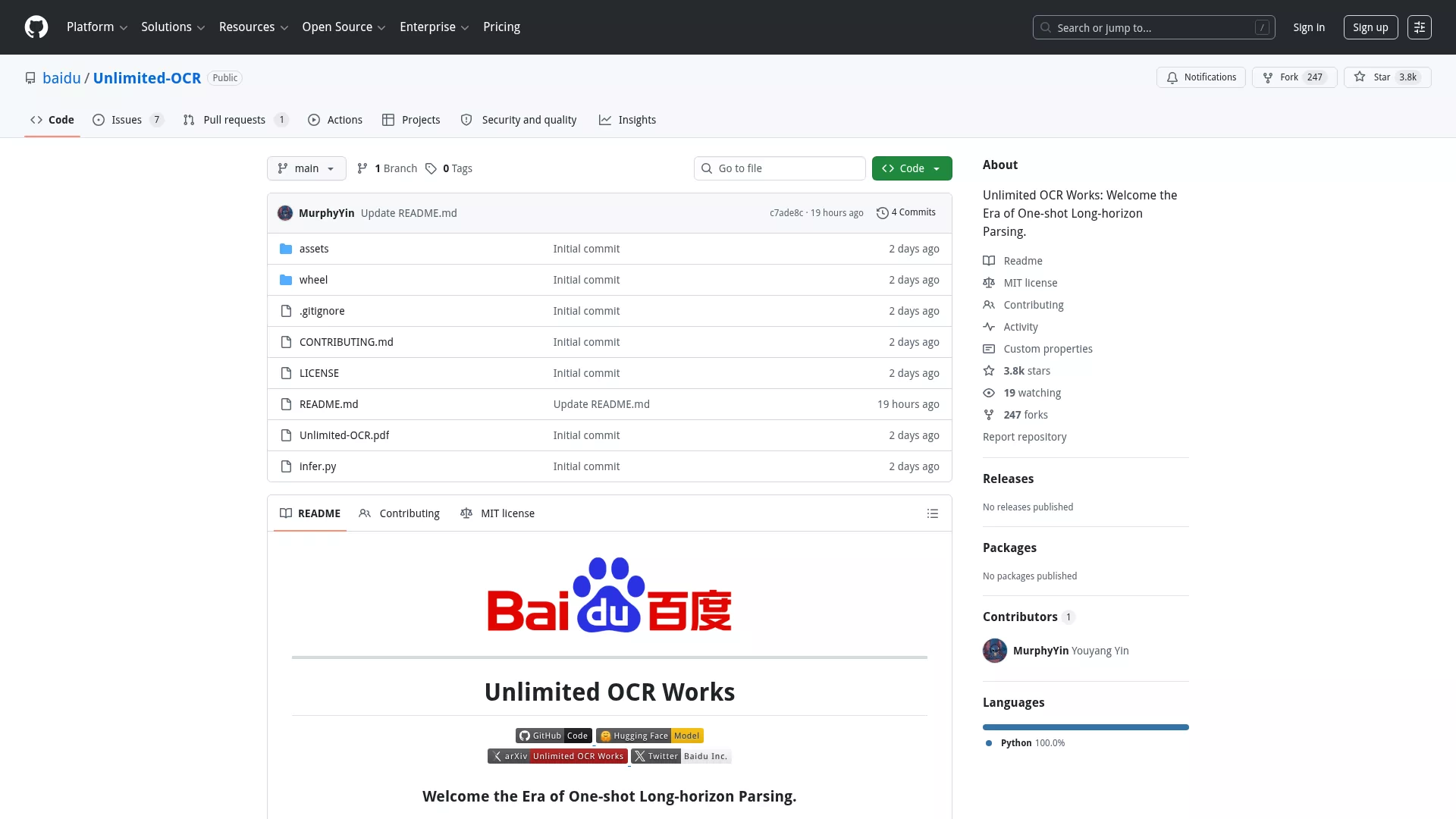
There are plenty of OCR tools out there, but when you throw a 50-page scanned contract at most of them, they either choke or require you to split the document into individual pages first. Baidu's newly open-sourced Unlimited OCR takes a different approach: one-shot long-horizon parsing that processes entire long documents in a single pass.
The project picked up over 440 points on Hacker News. In the comments, someone explained that the research team found an architectural trick to prevent AI models from gobbling up memory when reading long documents. Model weights are available on Hugging Face, with inference support for both Transformers and PaddlePaddle.
Baidu's README explicitly credits DeepSeek-OCR and PaddleOCR for their foundational work. Looking at the code, it builds on DeepSeek-OCR's architecture with the goal of pushing long-document OCR a step further.
If you regularly work with multi-page documents like contracts, reports, or research papers, this tool is worth a try. The project is on GitHub, and you can run it directly with the model weights from Hugging Face.
TikZ Editor: No More Guessing Coordinates for LaTeX Figures
Anyone who has written academic papers knows this pain: drawing figures with TikZ means endlessly tweaking coordinates, recompiling, checking the output, and tweaking again. A simple flow chart might take ten compilation cycles to get right.
TikZ Editor turns this into a WYSIWYG experience. Write TikZ code on the left, see a live preview on the right. No more imagining where a line from (0,0) to (1,2) actually ends up.
The tool gathered 330+ points on HN, and the comments were overwhelmingly positive. One person wrote that every STEM student and researcher would be grateful. Another said they had been wanting something like this for years. These reactions are genuine because the TikZ drawing pain has been around for a long time.
The tikz.dev site also hosts comprehensive TikZ documentation and tutorials, with the Editor being a new addition. If you use LaTeX or are writing a paper that needs figures, give it a try.
FUTO Swipe: Open-Source Swipe Typing
Swipe typing on phones has been essentially monopolized by Gboard and SwiftKey. The FUTO organization built an open-source alternative: FUTO Swipe.
At its core is an open-source swipe typing model that processes everything locally, never sending your input data to the cloud. For privacy-conscious users, this is a real advantage.
On Hacker News, someone tried the web demo with a mouse and said the experience was surprisingly smooth. Others noted it still lacks custom word memory, but as a newly released open-source project, that should come with future iterations.
FUTO is an organization focused on privacy and technology freedom. They previously built the FUTO Keyboard (improved from AOSP keyboard). Swipe is their new direction, targeting the specific niche of swipe typing. If you are tired of big tech keyboards collecting your data, this project is worth watching.