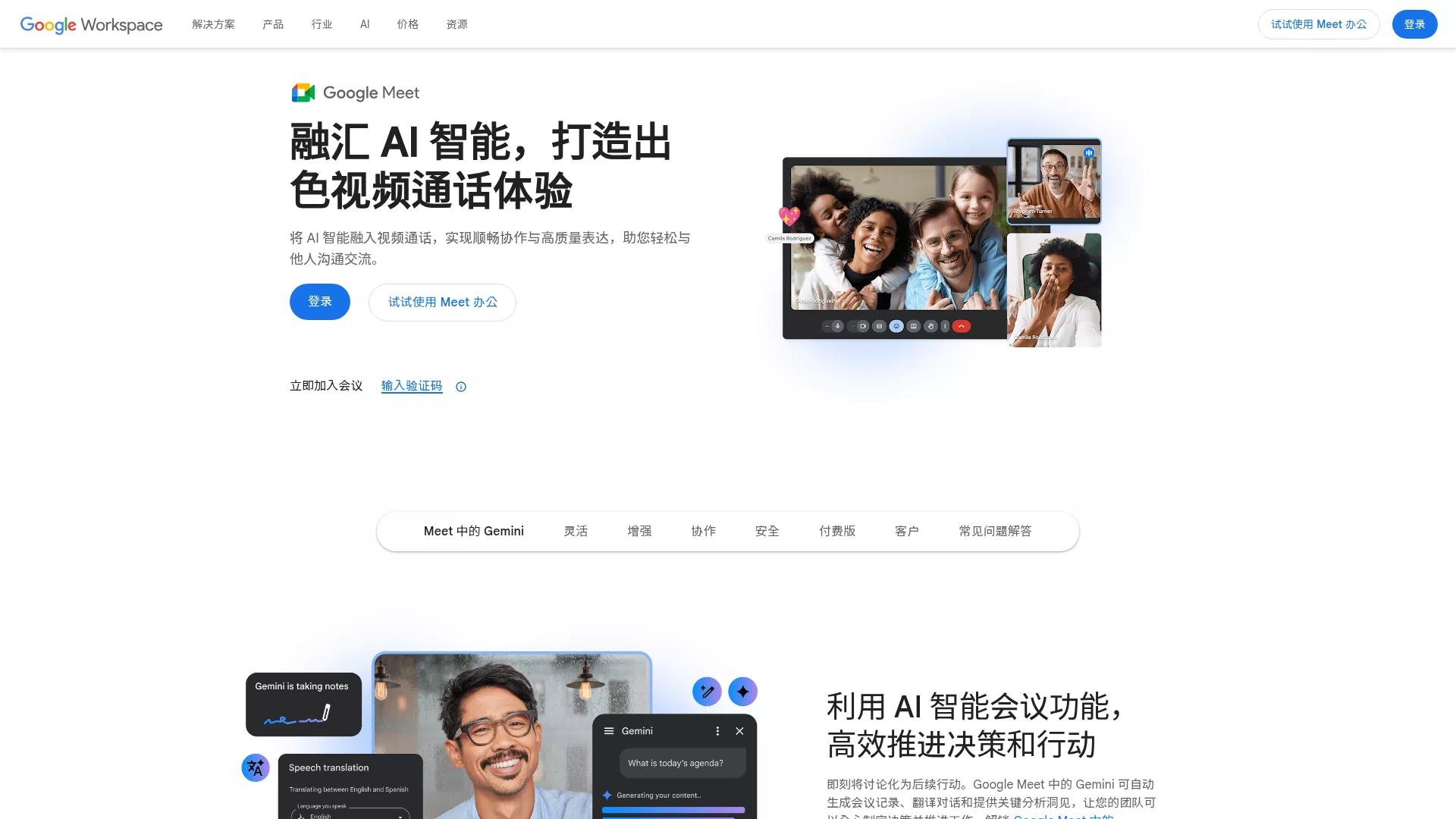

Overview
Google Meet is Google's real-time video conferencing service that lets you quickly start or join meetings in a browser, iOS, or Android app. It integrates with Google Workspace Calendar and Gmail, offering HD quality, live captions, noise suppression, screen sharing, and recording features.
Core features and highlights
- HD audio and video with adaptive bandwidth, maintaining smooth performance across varying network conditions
- Real-time captions, background blur/replacement, and intelligent noise suppression to improve call quality
- Screen sharing, whiteboard, breakout rooms, and chat to support multi-user collaboration
- Meeting recording automatically saved to Google Drive for easy archiving and playback
Use cases and target users
Suitable for remote work teams, online classes, client presentations, virtual interviews, and telemedicine. Aimed at individual users, educational institutions, and enterprise administrators, it supports both small teams for instant communication and large-scale broadcasts and teaching.
Main advantages or highlights
- Ease of use: No plugins required — join directly in a browser or on mobile
- Ecosystem integration: Seamless integration with Calendar, Gmail, Drive, and Docs for more efficient scheduling and file management
- Security and management: Enterprise-grade access controls and management policies; supports meeting codes, guest controls, and auditing
- Scalability: Supports large meeting sizes, recording, live streaming, and third-party integrations(e.g. `Meet"