
Overview
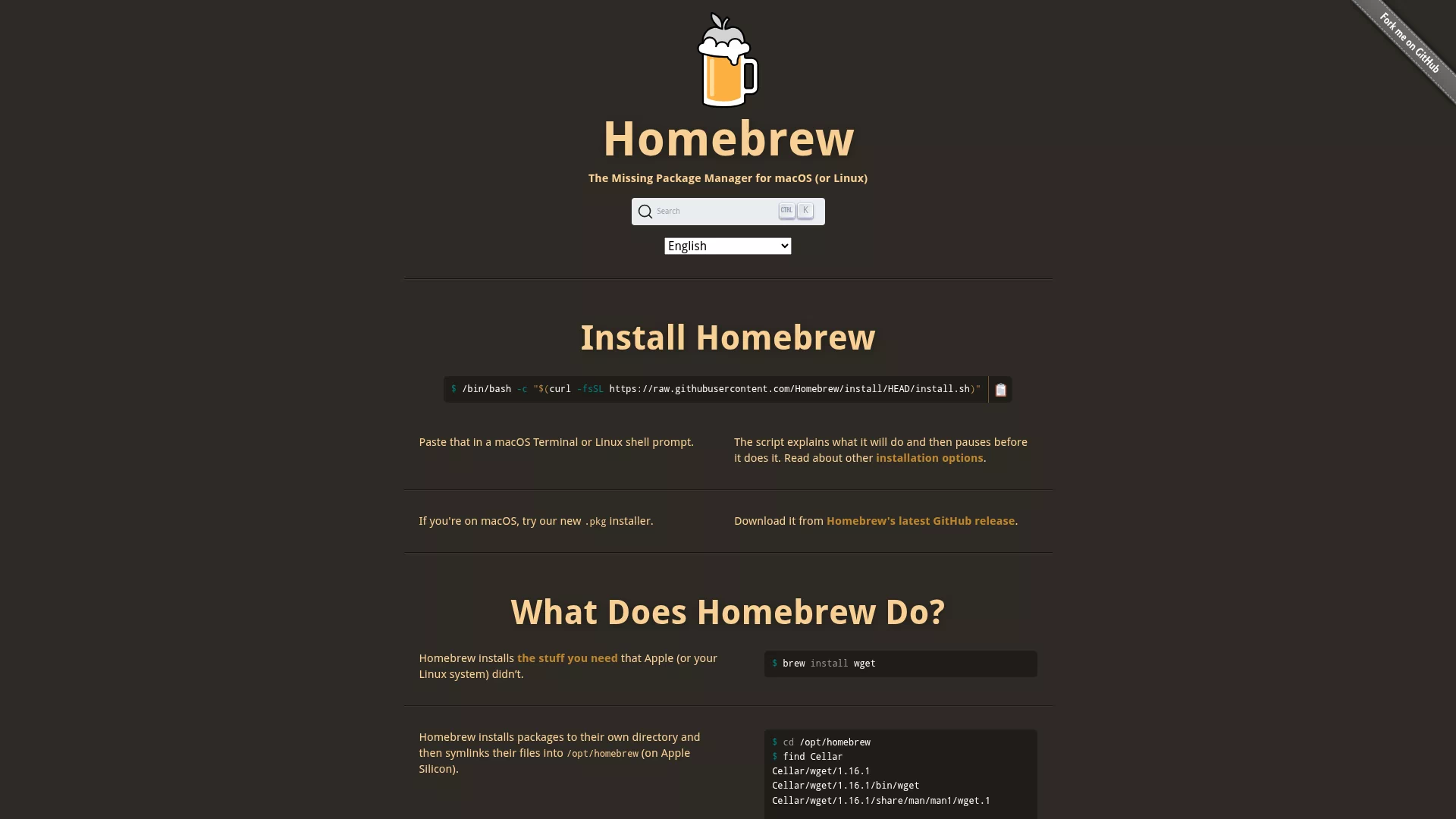
Homebrew is an open-source package manager for macOS (also supports Linux) that installs, upgrades, and uninstalls developer tools and libraries with a single command. Use brew install to quickly fetch software, preferring community-maintained binary bottles and compiling from source when necessary.
Core features and highlights
- Install/Upgrade/Uninstall: Manage the software lifecycle with simple commands (
install,upgrade,uninstall). - Formula and Tap: Community-driven recipe repositories that make it easy to extend and share private packages.
- Dependency and version management: Automatically resolves dependencies to reduce manual configuration conflicts.
Use cases and target users
Suitable for macOS/Linux developers, system administrators, DevOps teams, and anyone who wants to quickly set up a local development environment.
Key advantages and highlights
- Active community and a rich ecosystem covering almost all common developer tools.
- Consistent, simple CLI experience that’s easy to script and automate.
- Supports prebuilt binaries to speed up installs while still allowing source builds for flexibility.
- Open-source and transparent—formulas can be inspected or customized, simplifying enterprise integration and mirror deployment.