
Overview
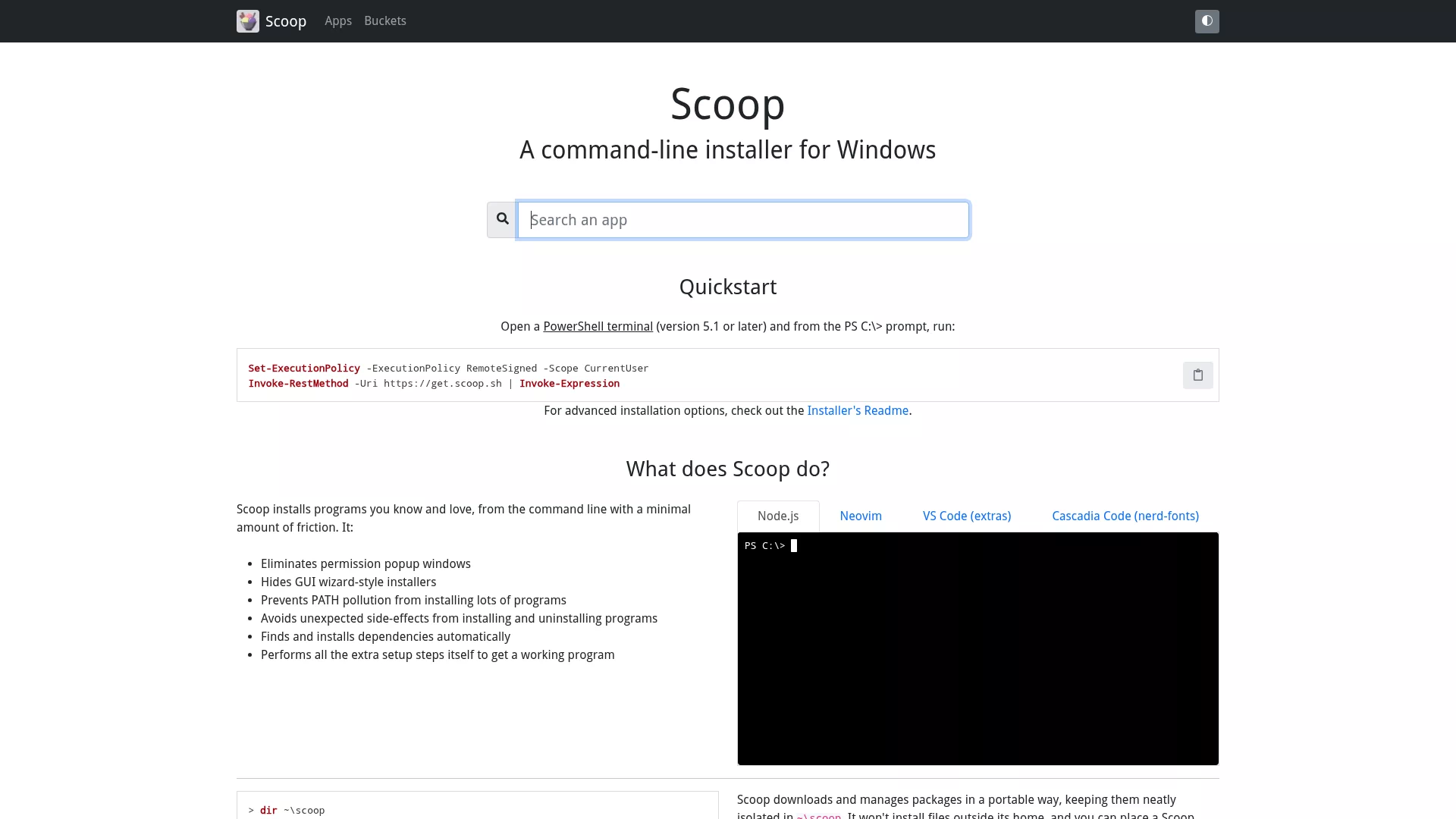
Scoop is a lightweight command-line installer for Windows, built on PowerShell and Git-managed buckets manifests. Use scoop install to quickly acquire developer tools, CLIs, and portable apps. It installs by default into the user profile, usually without requiring administrator privileges, and uses shims to manage PATH.
Key features
- One-command install/update/uninstall:
scoop install/scoop update/scoop uninstall - Supports multiple repositories (
buckets) and JSONmanifest, with a community-driven package ecosystem - Portable and reproducible: installs to the user directory, easy to back up and automate
Use cases & target users
Ideal for developers, SREs, DevOps engineers, and tech enthusiasts for quickly setting up development environments, CI systems, or installing tools under restricted permissions.
Advantages and highlights
- Lightweight with a clean install path that doesn't change global system settings
- Easy to automate and script, suitable for CI/CD scenarios
- Community-maintained package lists, highly extensible and convenient for customizing and sharing environments