Why Run LLMs Locally
Three benefits: data stays on your machine (privacy), works offline, and no ongoing API costs.
The tradeoff: hardware investment needed, and inference is usually slower than cloud.
Model Size vs VRAM Requirements
Rough formula:
- FP16: VRAM(GB) ≈ Parameters(B) × 2
- INT4 quantization: VRAM(GB) ≈ Parameters(B) × 0.5
| Model Size | FP16 | INT4 | Example Models |
|---|---|---|---|
| 7B | 14 GB | 3.5 GB | Phi-4, Qwen3.5-7B |
| 14B | 28 GB | 7 GB | Qwen3.5-14B |
| 32B | 64 GB | 16 GB | Qwen3.5-32B |
| 70B | 140 GB | 35 GB | Llama 4 Scout, Qwen3.5-72B |
Hardware Recommendations
Budget: Free (existing PC)
Any post-2020 computer can run 7B models on CPU alone. Speed: 5-10 tok/s.
Entry-level GPU (¥3,000-5,000)
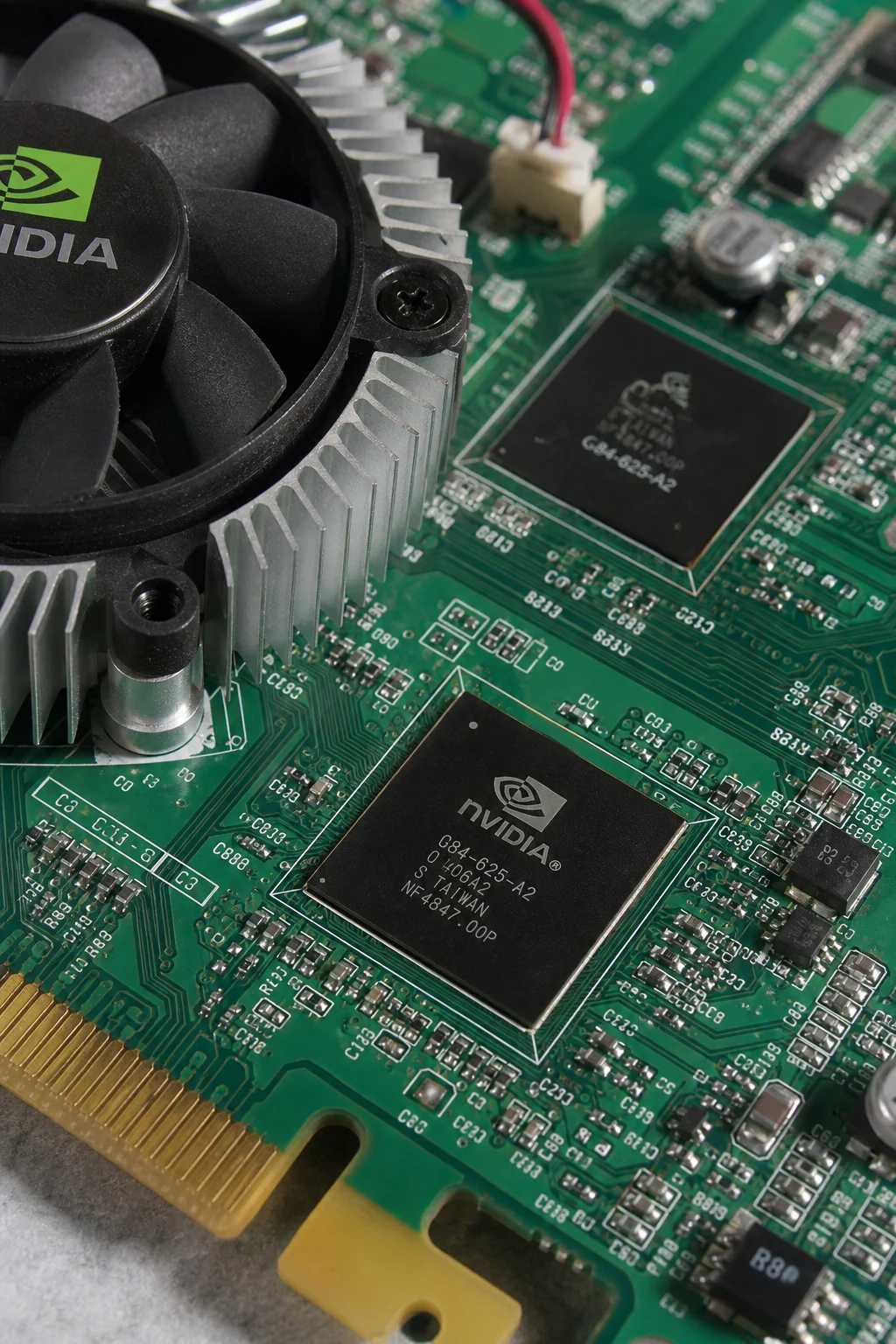
RTX 3060 12GB — best value, runs 14B quantized at 20-30 tok/s.
Mid-range (¥8,000-15,000)
RTX 4070 Ti Super 16GB — runs 14B smoothly, some 32B at 40-60 tok/s.
High-end (¥20,000-50,000)
RTX 4090 24GB — runs 32B quantized. Dual-card for larger models.
Apple Silicon
Unified memory is ideal for LLMs — GPU accesses all RAM directly.
- M4 Pro 24-48GB: runs 14B-32B
- M4 Max 64-128GB: runs 32B-70B
Inference Tools
| Tool | Best For |
|---|---|
| Ollama | Beginners, developers — one command install |
| LM Studio | Non-technical users — GUI, drag-and-drop |
| llama.cpp | Advanced users — maximum performance |
| vLLM | API servers — concurrent requests |
Is Local Worth It?
Yes if: Data privacy is mandatory, heavy long-term use, unstable network. No if: Occasional use, need top quality, don't want to tinker.
For most people, DeepSeek V4 Flash API (¥0.95/M) is more cost-effective than buying hardware.