


Three developer tools from today's Hacker News
Skimming Hacker News is part of my daily routine, and today's Show HN threads had three fresh releases from the last couple of days. I checked the directory first, none of them were listed yet.
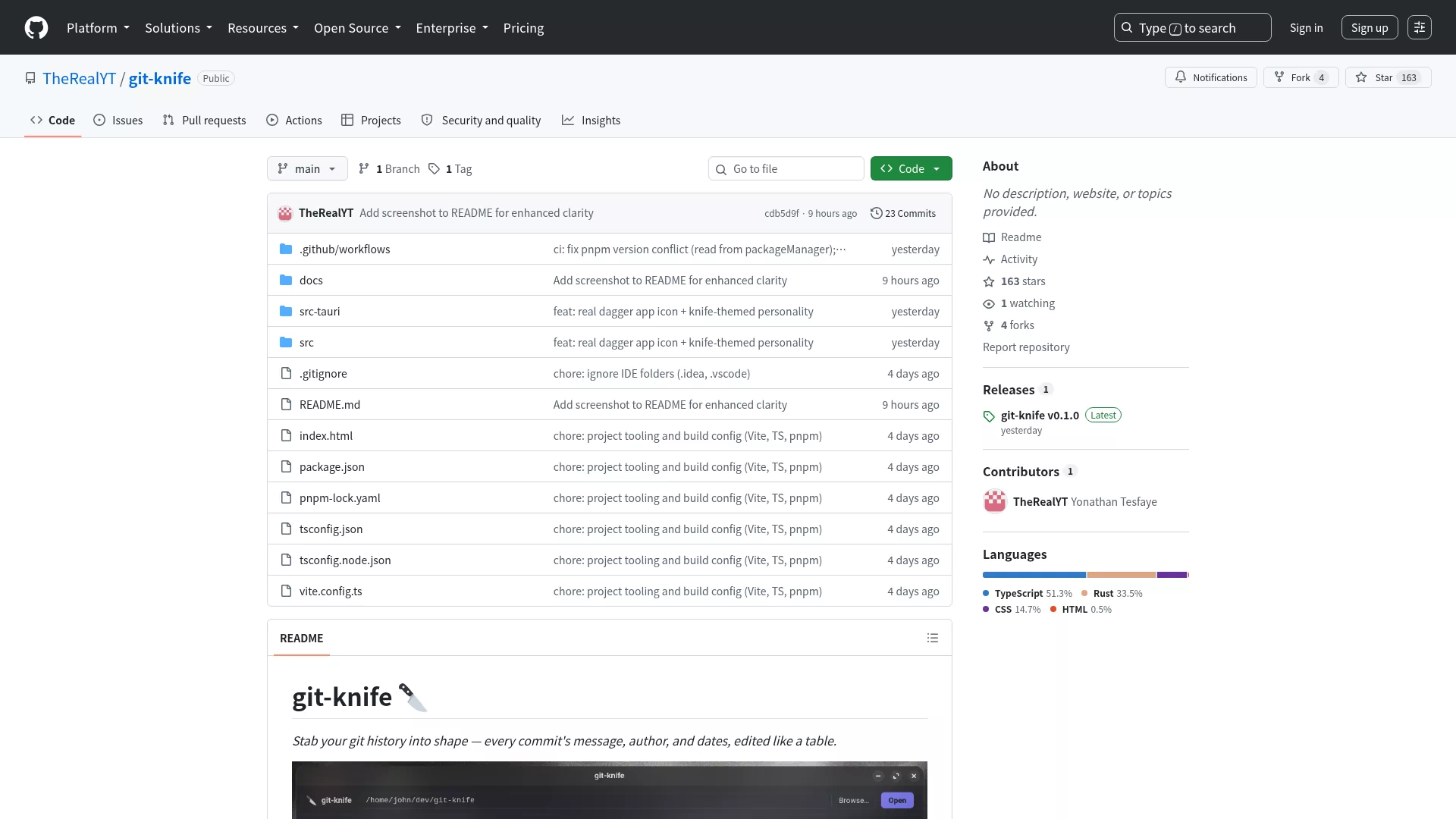
Git-knife: edit your git history like a spreadsheet
Git-knife is a Tauri desktop app built around one specific problem: editing commit dates and authors. GUI clients like GitKraken, Sublime Merge and Fork handle reword and reorder fine, but treat dates as effectively immutable, and committer date is off-limits everywhere. The CLI tools that can rewrite that metadata (git-filter-repo, git commit-tree) have no interface, so the barrier is high.
Git-knife lists the commits of the current branch in a table where message, author name, email, author date and committer date are all editable. Bulk fixes work too: a wrong email everywhere can be replaced with a regex pass. Before each rewrite it creates a backup ref, and restore is one click. It never reimplements git; it shells out to the system git CLI and rebuilds commits with commit-tree, reusing the original trees, so file contents are provably untouched.
The project went up two days ago and already has 163 stars and 133 points on HN. Anyone haunted by a wrong email or mangled commit timestamps will appreciate turning a painful command-line ritual into table editing.
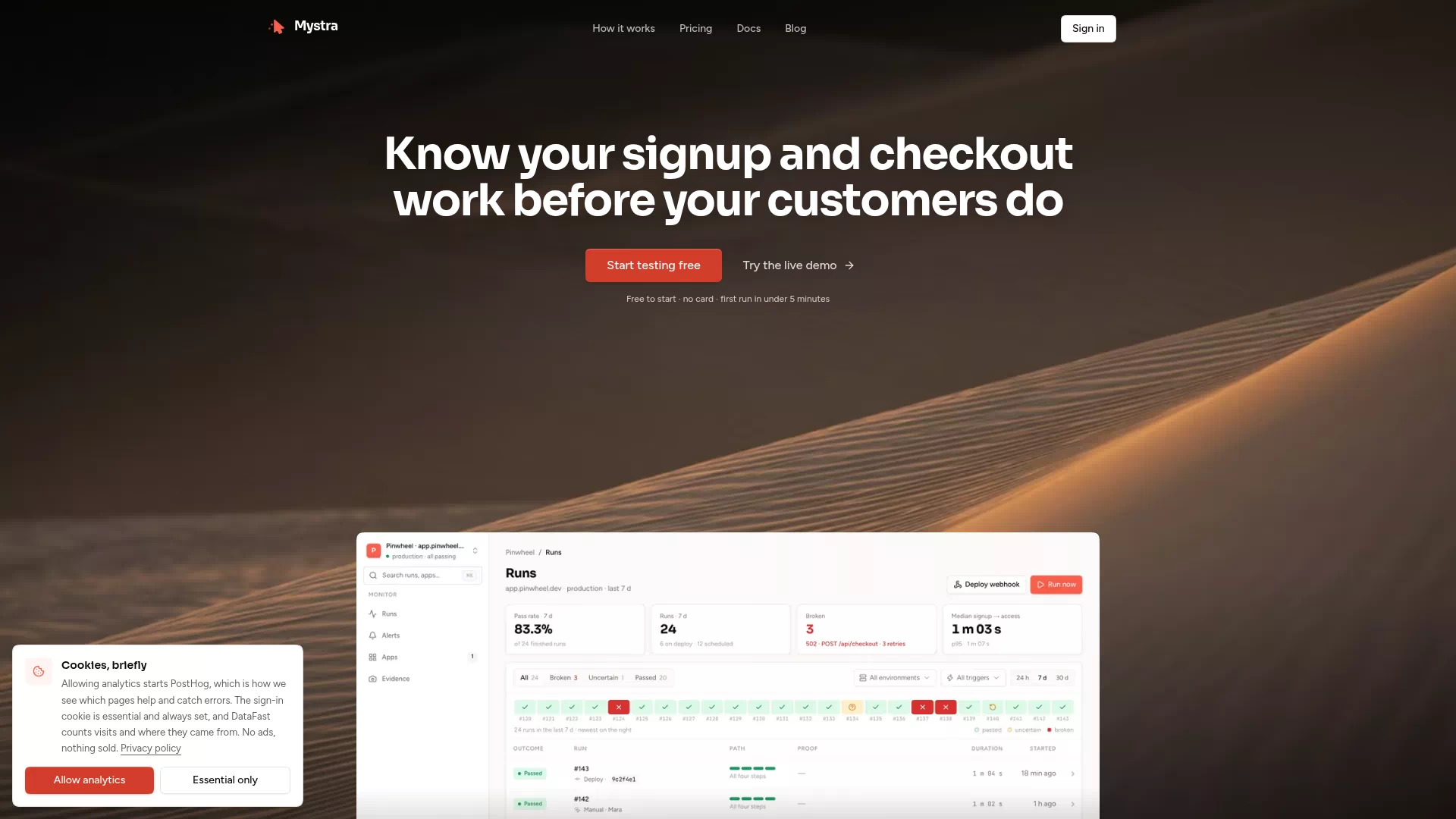
Line9: a Mermaid renderer that lays out your diagrams
Line9 is a new rendering engine for Mermaid with its own layout algorithm. If you have used Mermaid, you know the routine: the code is right, the diagram renders, and the nodes are a mess, so you drag them around by hand. The author used Mermaid for four years and kept moving his flowcharts into a diagram editor just to fix the layout, so he built his own engine.
The Line9 online editor is free and needs no account. Paste Mermaid code, get a diagram; theme, orientation, spacing and node size are adjustable, and there is a CLI too. One HN commenter noted that Mermaid ships an alternative elk layout that handles complex flowcharts quite well, so it is worth comparing. If your flowcharts are convoluted, check Line9's output before switching.
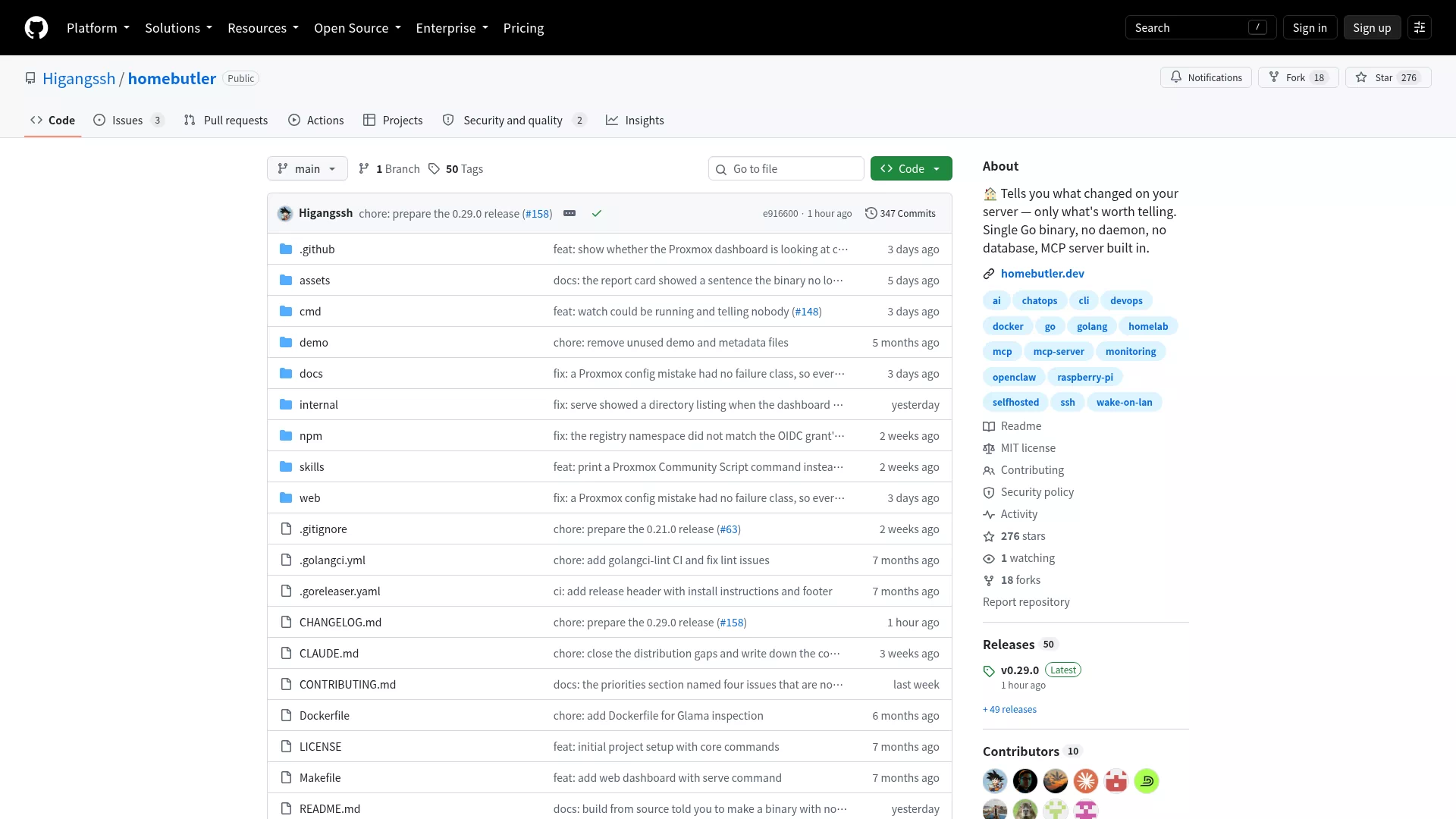
p0rt: every dev server in your menu bar
p0rt is a macOS menu bar app that lists all running dev servers, ports and Docker containers. No more typing lsof and docker ps from memory: open the menu, see what is alive, restart or kill anything without touching the terminal.
This kind of tool kills the daily "is that service still running" question. When you juggle several projects and cannot remember which port is which, a permanent list in the menu bar saves real time.
All three picks are developer tools. Git-knife is for people who need to fix git history, Line9 for anyone tired of fighting flowchart layouts, p0rt for macOS users with a dozen terminal windows open. All three are now in the Developer Tools category of our directory.