



Three tools caught my eye on Hacker News this week: Episko for managing Claude Code sessions, AllMCPs, a directory of MCP servers, and Koboyo Icons, a library of free hand-drawn icons. They cover three different areas: development, AI, and design.
Episko: an overview for your Claude Code sessions
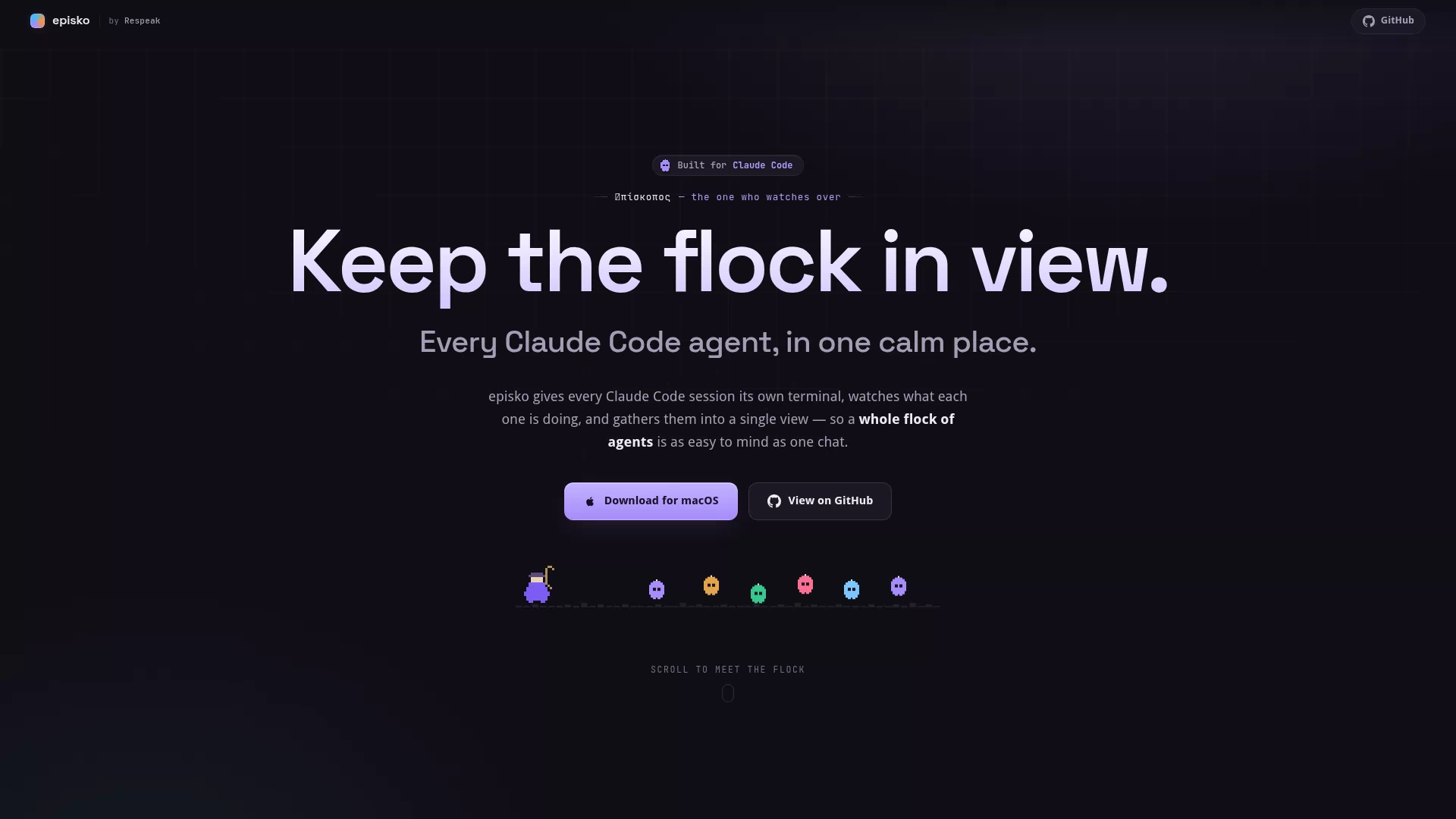
If you have used Claude Code, you know the feeling: terminals everywhere, no idea which session belongs to which project, and half-finished conversations you cannot easily pick back up. Episko is a desktop app built for this, available on macOS and Windows, open source on GitHub under the MIT license.
Each session runs in its own terminal while the main window shows project state across the board: branches, worktrees, recent commits and pull requests. Full conversation history is kept, so resuming an old chat is straightforward. Heavy users will probably appreciate the cost panel most: token usage and spend per project per day, plus 5-hour and 7-day forecasts showing whether you are about to blow through your subscription limits.
Claude Code is the only supported agent for now, with Codex support promised next. It is aimed at people running multiple agent sessions at once who also care about what it costs.
AllMCPs: a place to find MCP servers
The MCP ecosystem has grown fast in the last six months, with new servers appearing all the time, but discovery has stayed fragmented. AllMCPs is a directory that organizes servers by category. You can browse, search, submit, and upvote the ones you like.
Coverage is broad: basic connections like files and databases, plus integrations with specific services such as browser automation and Metabase. Each entry includes install instructions, which makes hooking up Claude, Cursor, or any MCP-capable agent much faster than hunting through GitHub. Community votes help filter out the mediocre ones.
Koboyo Icons: 70,000+ free hand-drawn icons
Koboyo Icons offers 71,262 free SVG icons in a hand-drawn, doodle-like style, batch-generated with AI according to the author. The set is large and consistent, handy for quick illustrations in personal projects, decks, or prototypes.
The search is the fun part: besides browsing by group, it supports synonym matching. Typing "oops" finds facepalm, "deploy" finds rocket. Icons use currentColor, so they inherit text color and re-theming does not require re-downloading anything. No attribution needed, free for personal and commercial use.
These three cover AI coding workflows, the MCP ecosystem, and design assets. All free or open source, take what you need.