Last week, a cool project called Semble popped up on Hacker News. It racked up over 2,200 stars in two days.
Its positioning is crystal clear — "a code search tool for AI agents." In plain English, when your AI assistant (Claude Code, Cursor, the usual suspects) needs to dig through code, Semble tells it "here's what you're looking for" instead of having it read the entire file from start to finish.
The headline number: 98% fewer tokens than grep + read.
What problem does this solve?
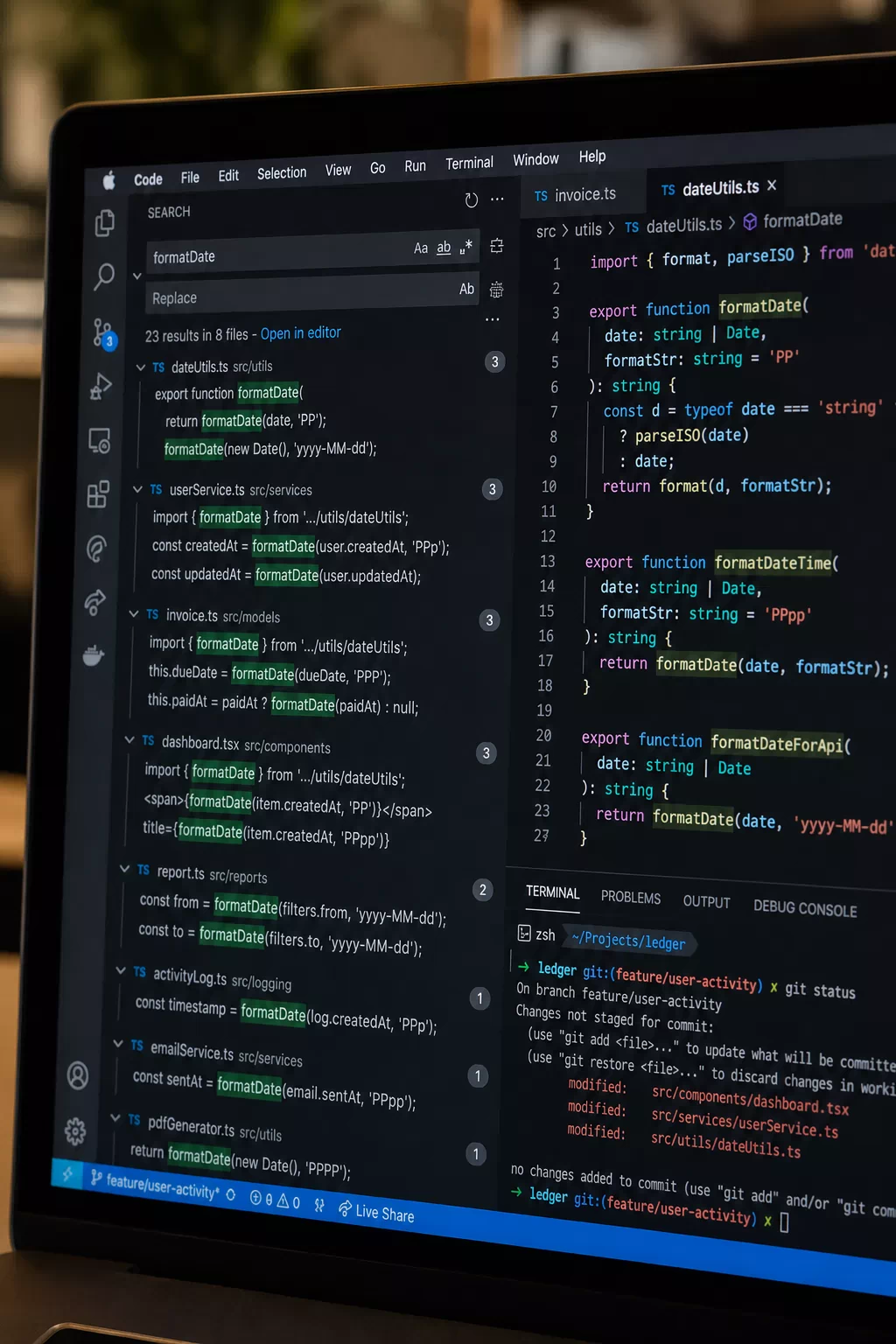
Anyone who's used an AI coding assistant knows the pain — you ask it to tweak some code, and it reads the whole damn file first. Sometimes it pulls in related files too. On a big project, tokens burn fast and money flows even faster.
Semble's approach is simple: don't read the whole thing, just read the lines you need.
It first builds an index of your codebase — takes about a few hundred milliseconds. Then you (or your AI assistant) search with natural language, something like "authentication flow" or "save_pretrained", and it returns matching code snippets with their locations, not just a list of filenames.
Speed-wise, they claim ~250ms to index a repo, ~1.5ms per search. All runs on CPU — no GPU needed, no API key, not even an internet connection.
How does it compare to grep?
This is the question Semble was built to answer.
Grep is fast, precise, and available everywhere. But its problem is — after you search, you still have to read the file to see the context. Grep returns line numbers, not "here's exactly what you need."
Semble does semantic search. You say "find me the login logic," it knows you're talking about authentication, not literally looking for the characters "login." Search results come with the actual code blocks attached — your AI assistant can use them directly without another read.
Official benchmark numbers:
- NDCG@10: 0.854
- Indexing: 200x faster than code-specific Transformers
- Query speed: 10x faster
- Retrieval quality: 99% of specialized models
The trade-off: it's not a drop-in replacement for grep.
How to use it
Installation is dead simple:
pip install semble Or: uv tool install semble
With Claude Code: claude mcp add semble -s user -- uvx --from "semble[mcp]" semble
Search: semble search "authentication flow" ./my-project
My two cents
What I like about this project isn't the technical sophistication — the model behind it isn't all that complex. The appeal is that it gets the fundamentals right.
In today's world of AI coding assistants, most people still just dump the entire codebase into context and start working. Semble offers a more elegant way: let AI "check the table of contents" first, then "flip to that page" — instead of copying the whole book character by character.
Saving tokens is a side effect, not the goal. The real goal is making AI assistants behave more like experienced developers — knowing where to look instead of reading everything.